


15.09.2026
During our Microsoft Fabric webinar, participants had the opportunity to ask their own questions. It quickly became clear that many companies are grappling with the same issues. Is Power BI still enough? When does Microsoft Fabric pay off? How do you get started? And what role does AI play?
The following questions come directly from the webinar. We’ve collected them and answer them based on our experience from customer projects.
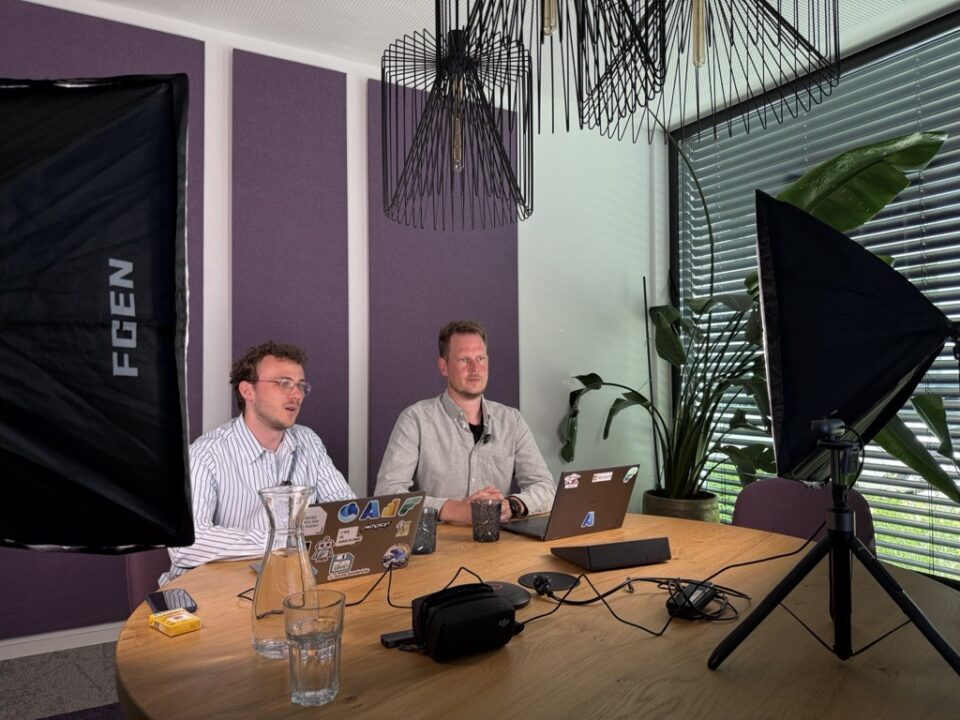
Nils Kux and Dennis Loh-Mandrella answer the most common questions about Microsoft Fabric. (ORAYLIS)
1. What exactly is Microsoft Fabric?
Microsoft Fabric brings together data, analytics, and AI on a single central platform. Companies consolidate data from various sources there and use it for analytics, reports, and AI applications.
Instead of connecting individual Azure services with one another, companies use a single shared platform. Fabric brings together data integration, data engineering, data warehousing, real-time analytics, and Power BI. All services access the same data foundation via OneLake, so companies don’t have to store data multiple times.
The decisive advantage: Fabric makes complex data landscapes simpler. Teams work with a shared interface and manage access rights centrally. This reduces data silos, makes collaboration easier, and simplifies operations.
Our project experience shows that as the number of data sources and systems grows, so does the effort required to connect them reliably. Fabric consolidates this data on a shared platform, allowing teams to access it faster, analyze it, or use it for AI applications.

2. Isn’t Power BI enough?
Power BI remains one of the most powerful tools for reporting and data visualization. If data is already cleanly prepared, the volumes are manageable, and it comes from just a few sources, Power BI is often entirely sufficient.
The challenge begins when data from ERP systems, CRM solutions, Excel files, or other applications needs to be regularly consolidated, cleaned, and made centrally available. This is exactly where Microsoft Fabric comes in.
Power BI helps users answer business-relevant questions based on data. Microsoft Fabric creates the foundation that ensures everyone works with the same, reliable data. It’s only the interplay of both solutions that makes a unified, scalable data platform possible.
In our projects, it’s often companies that are already working successfully with Power BI who reach this point. Fabric extends existing BI solutions rather than replacing them.
3. When does Microsoft Fabric pay off?
Microsoft Fabric pays off when data is coming together from an ever-growing number of sources and existing solutions are reaching their limits.
Typical signs include:
- Data is spread across systems such as ERP, CRM, or Excel.
- Teams regularly prepare data manually.
- Departments use different metrics or data states.
- Companies want to use their data for AI applications.
Microsoft Fabric creates a shared data foundation for reliable analytics, reports, and AI applications.
4. How does Microsoft Fabric support the use of AI?
Many companies are currently exploring Microsoft Copilot, AI agents, or generative AI. In doing so, one crucial point is often underestimated: AI is only as good as the data it can access.
Microsoft Fabric creates that foundation. Data from different source systems is consolidated centrally and then made available to both business units and AI applications alike. In addition, Fabric offers features such as Copilot support for developers, data science workloads, and integration with Azure AI Foundry.
Our experience shows that successful AI projects rarely start with choosing an AI tool — they start with a solid data foundation.
5. How do you get started with Microsoft Fabric?
Many companies assume they first need to modernize their entire data landscape. In our projects, however, a different picture emerges.
The most successful Fabric projects start with a specific use case. This could be, for example, a sales dashboard, consolidating ERP and CRM data, or automated reporting for a particular business unit.
This produces visible results within a short time. At the same time, the platform grows step by step alongside the company’s requirements. This approach reduces risk, delivers quick wins, and makes it easier to expand the data platform later on.
6. Which license do I need for Microsoft Fabric?
Microsoft Fabric is based on a capacity model. Companies book the compute capacity they need for their workloads. A small capacity is often already enough for initial tests. Many AI features, such as Copilot, can now also be used with smaller Fabric capacities.
How much capacity is needed depends, among other things, on the number of users, the data volume, and the workloads being used.
Based on our experience, we recommend starting with a pilot project using a small capacity. This lets companies gain initial experience and later adjust resources to actual usage, rather than over-provisioning from the start.
7. How does scaling work in Microsoft Fabric?
Microsoft Fabric can be adapted to growing requirements. As the number of users or the data volume increases, companies can raise their Fabric capacity. Microsoft offers various performance tiers for this. Fabric automatically absorbs short-term load spikes within certain limits.
Companies can start small and increase their capacity as needed — for example, when additional business units come on board or new use cases require more performance.
8. Microsoft Fabric or Databricks — what’s the difference?
In practice, though, the real question is rarely “Microsoft Fabric or Databricks?” but rather: what tasks should the platform take on?
Databricks plays to its strengths especially in data engineering when processing very large volumes of data. Microsoft Fabric, by contrast, pursues a holistic, simplified platform approach, bringing together various data disciplines in a single central interface for developers and end users.
In many customer projects, the two solutions complement each other well. While Databricks handles complex data processing, Microsoft Fabric makes data available to business units, Power BI, and AI applications.
Which architecture makes sense ultimately depends on individual requirements and the existing system landscape.
9. How do we make our company AI-ready?
AI readiness doesn’t begin with a chatbot or Copilot. It begins with a data strategy.
Companies need a central data foundation, automated data processes, clear permission concepts, and high data quality. Only then can AI applications reliably access company data. Microsoft Fabric supports exactly this path and creates a shared foundation for reporting, analytics, and AI.
Our projects show that companies that build their data foundation first achieve measurable results with AI applications significantly faster later on.
10. What does Microsoft Fabric cost?
There’s no blanket answer to this question. Costs depend, among other things, on the required compute capacity, data volume, number of users, refresh intervals, and the workloads being used.
That’s why we recommend starting with a lightweight architecture and a smaller working environment in Fabric. A pilot project with a small amount of compute capacity quickly delivers solid insights into what resources will be needed in the long run.
This way, companies avoid unnecessary investment and expand their platform step by step, as needed.
Conclusion
The questions from our webinar make it clear that many companies face the same challenges. It’s no longer just about reporting or individual AI applications. What’s needed are platforms that provide data centrally, simplify processes, and create a solid foundation for future innovation.
Success rarely depends on technology alone. What matters is a clear use case, a solid data foundation, and a step-by-step approach.
Anyone already working with Power BI who wants to develop their data strategy further will find in Microsoft Fabric an easily accessible, scalable platform that brings reporting, analytics, and AI together on a shared data foundation.
Do you have questions about Microsoft Fabric, or would you like to find out whether the platform fits your existing data and system landscape? Feel free to get in touch — we’ll support you from the initial assessment through to successful implementation.



Kommentare (0)